Prompts you can actually edit
Not just a caption. You get a structured photographic recipe covering subject, wardrobe, light direction, setting, framing, lens, palette and grain. Switch between detailed, short and tag formats, and add what to avoid.
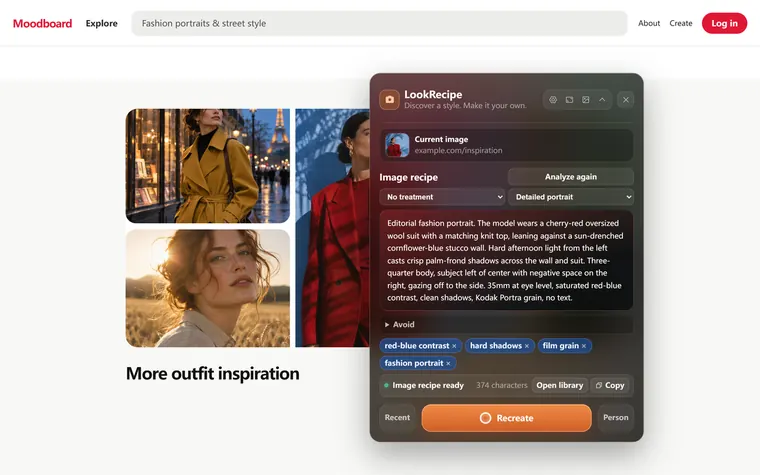
Click any image on the web. LookRecipe turns it into an editable AI prompt covering the lighting, composition, color and lens. Then it can recreate the look with your own photo.
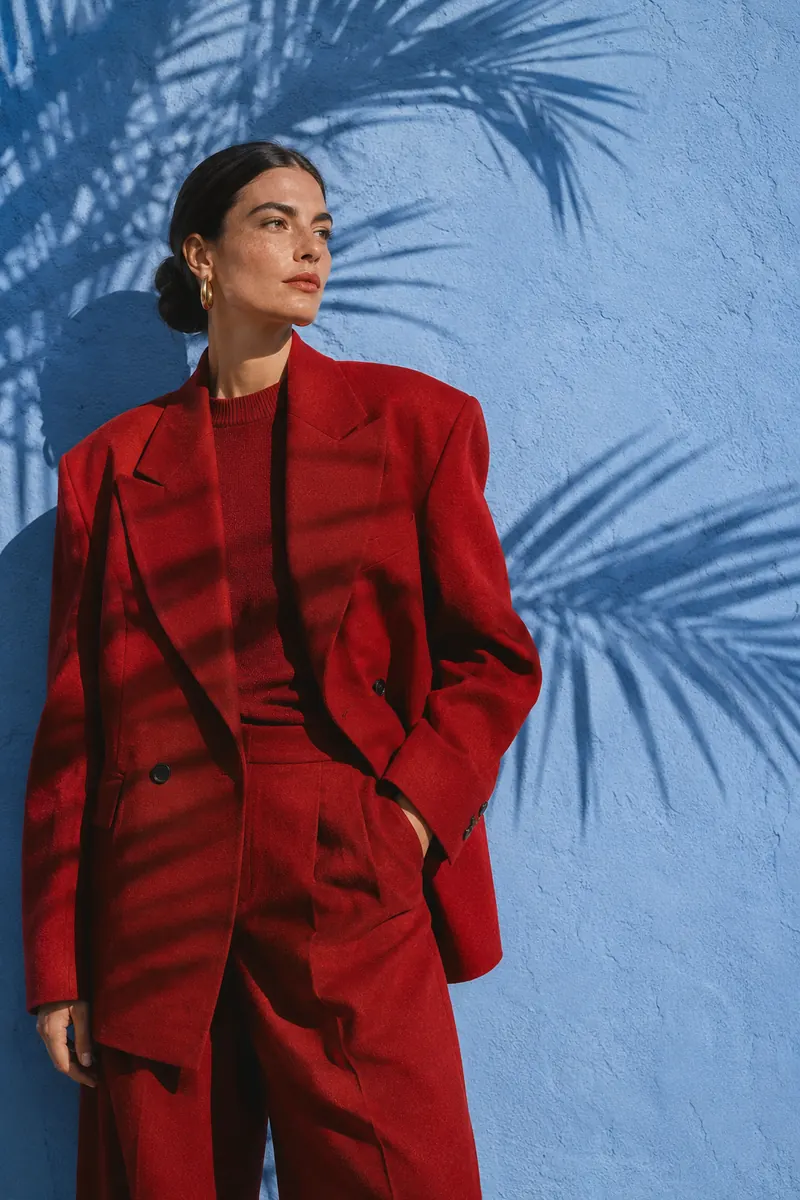
 Reference
Your version
Every great image is a recipe of subject, light, setting, framing and color. Hover the pins or the prompt to see how LookRecipe reads this photo.
In the extension, you can also choose a treatment (for example film or black-and-white), list what to avoid, and edit any word before you generate.
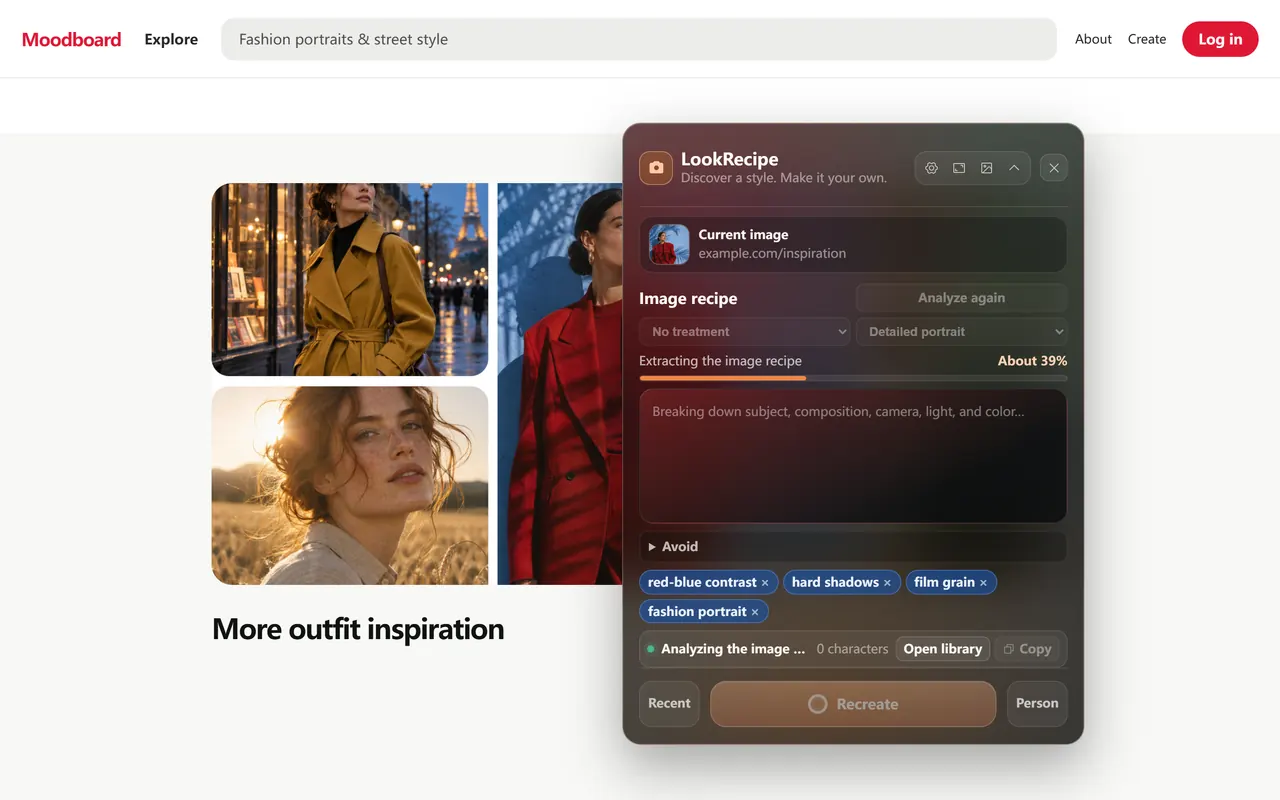
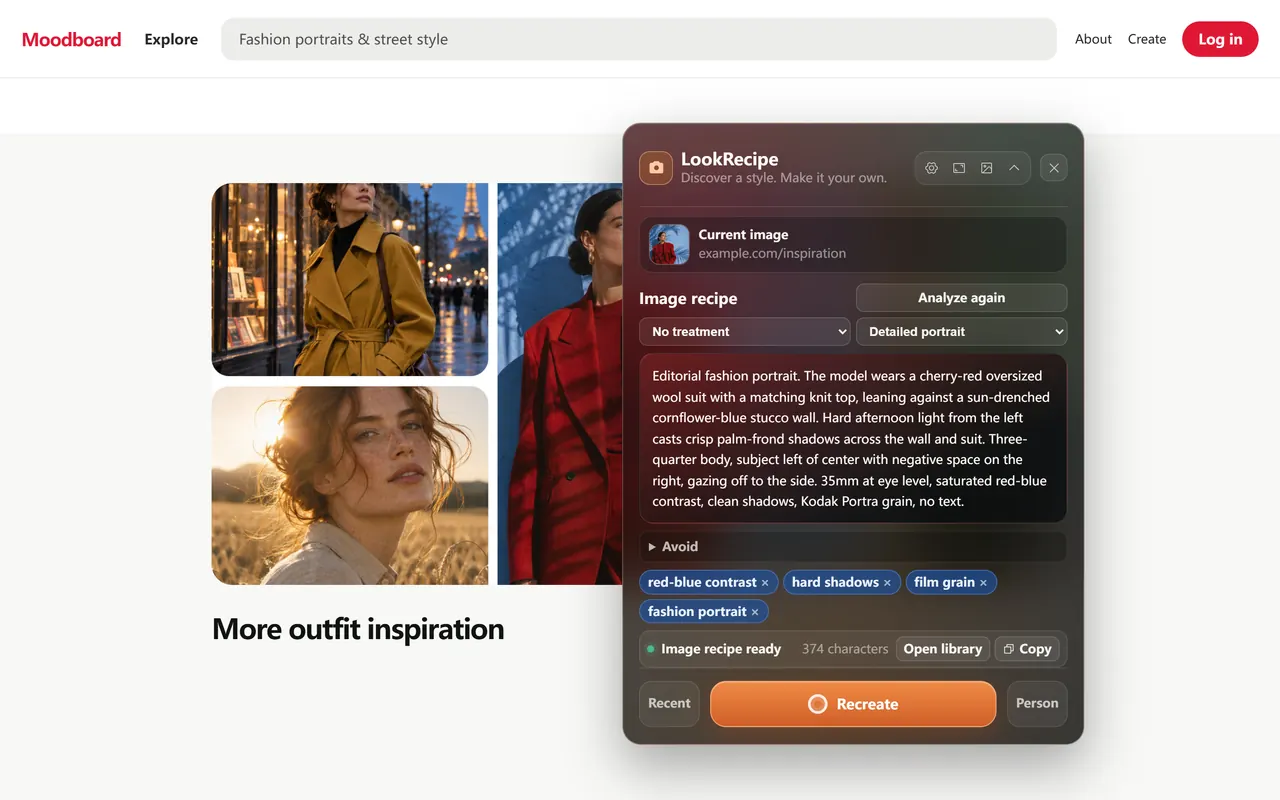
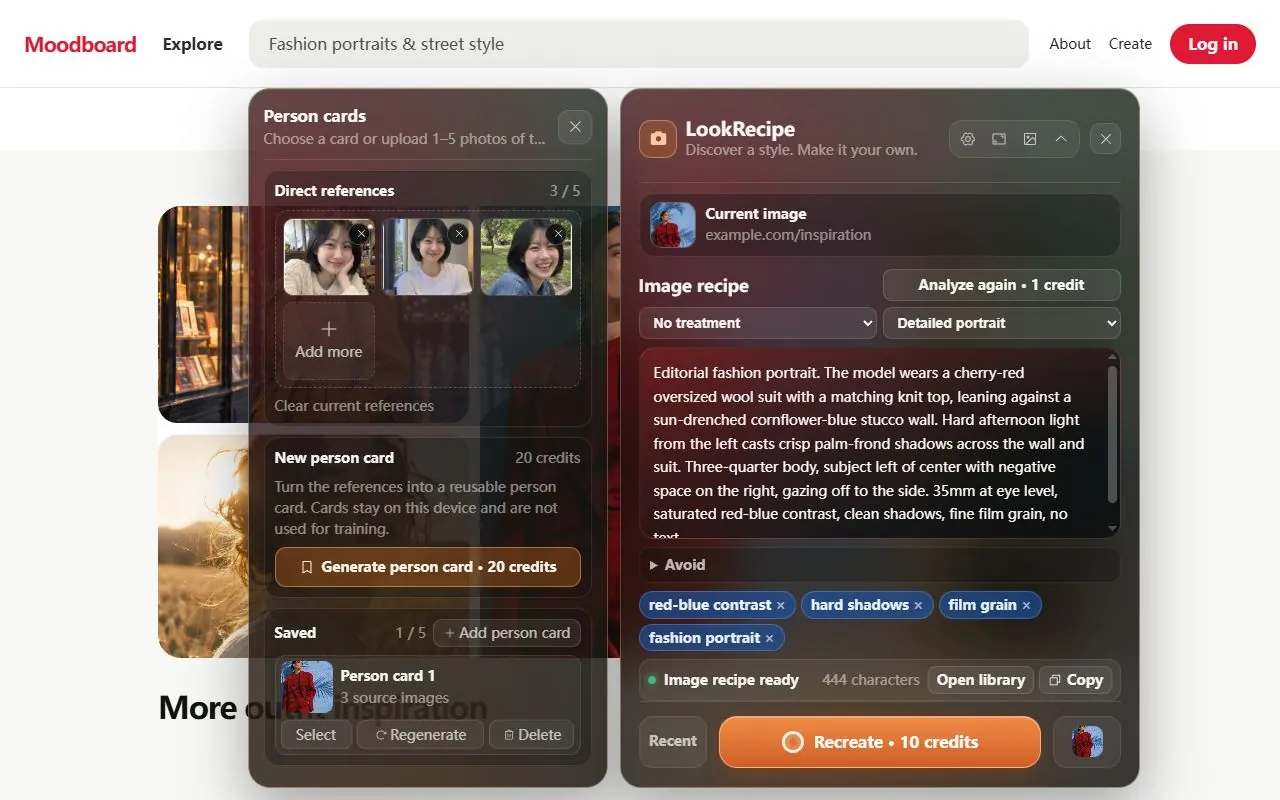
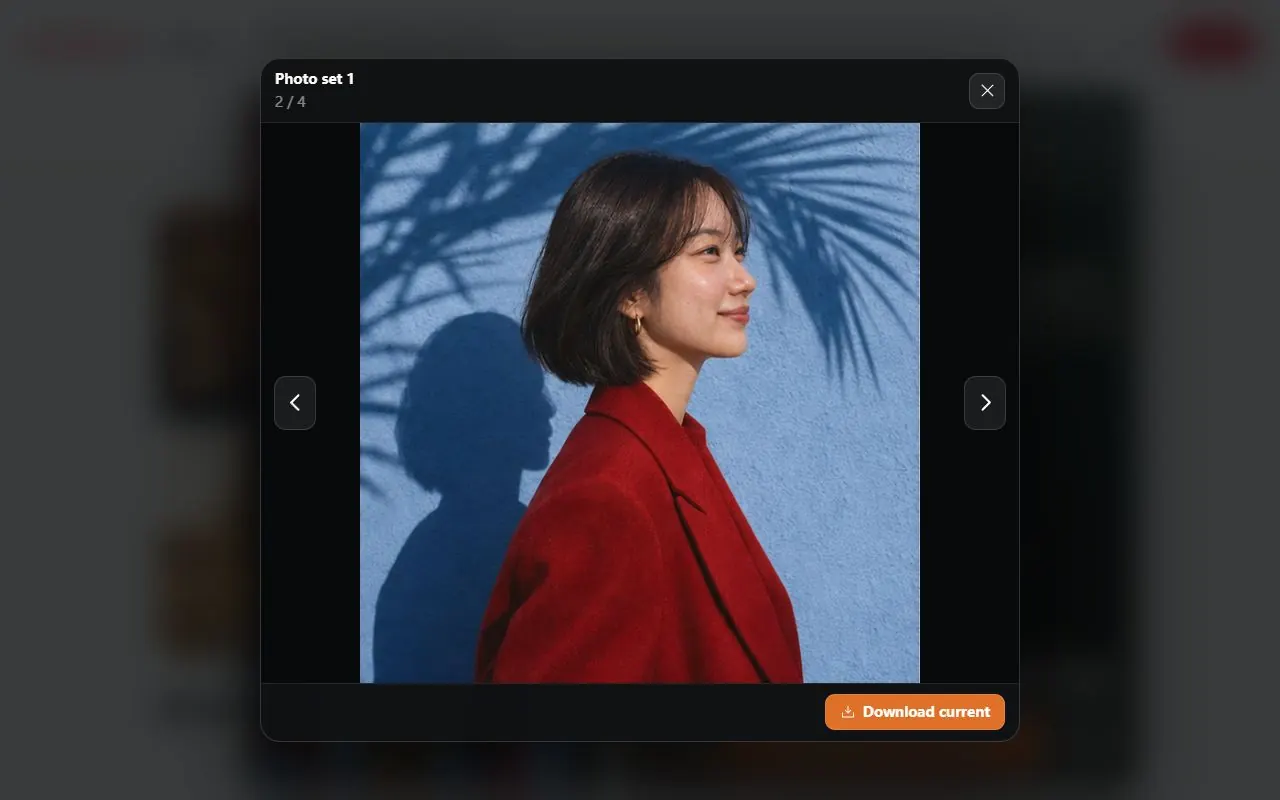
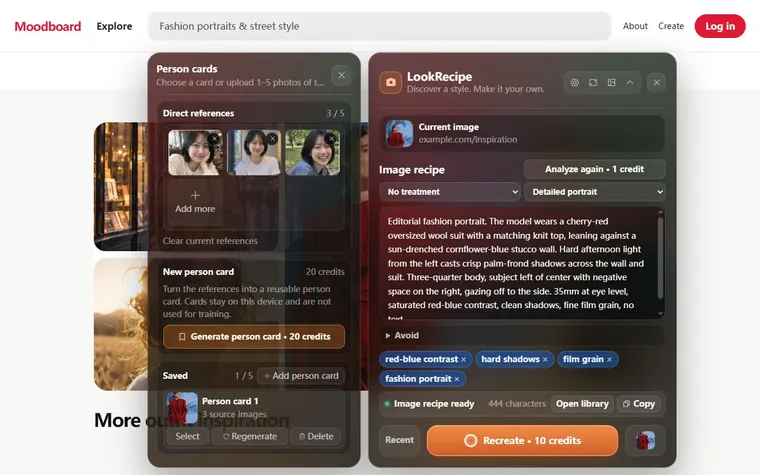
Use LookRecipe as a quick image describer, or take the prompt all the way to finished photos.
Not just a caption. You get a structured photographic recipe covering subject, wardrobe, light direction, setting, framing, lens, palette and grain. Switch between detailed, short and tag formats, and add what to avoid.
Create a person card from 1–5 casual photos. LookRecipe keeps the face, hair and identity while applying the reference’s lighting, wardrobe and composition. Cards stay on your device so you can reuse them.
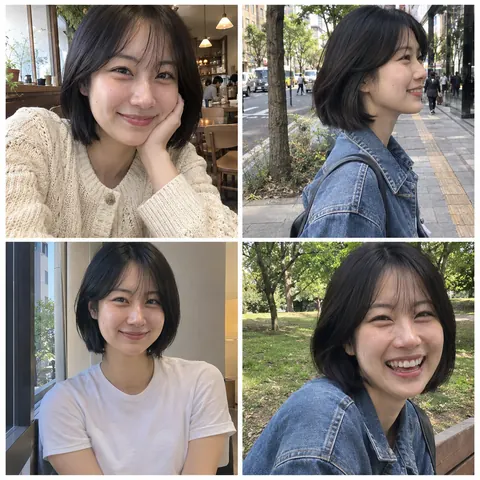
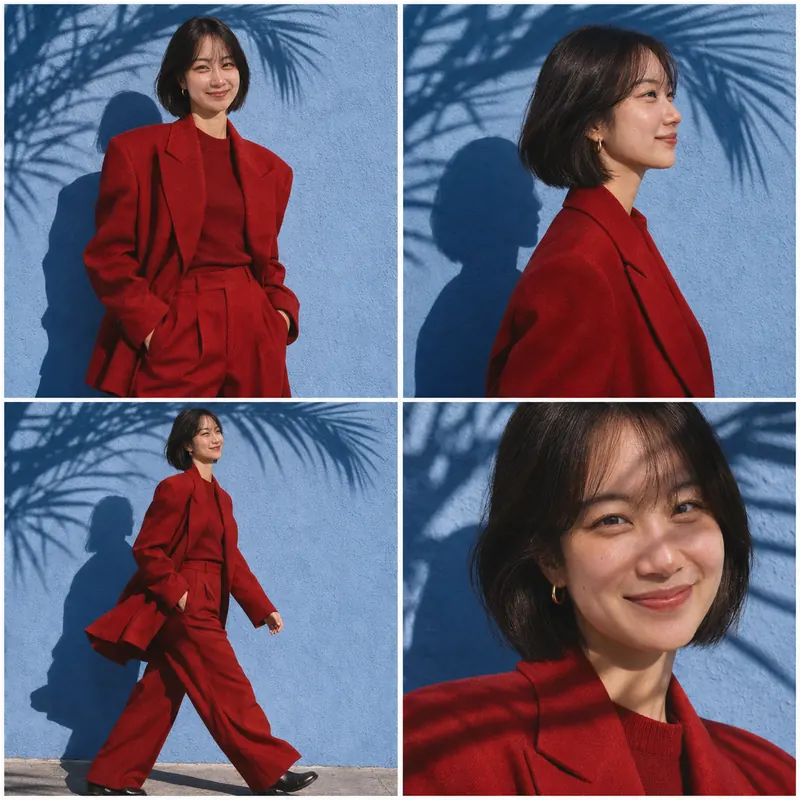
Four coordinated shots in one go: front, profile, a walking shot and a close-up, all in the same style. You can upscale any frame later.
Collect images while you browse, with no sign-in needed. Filter by analysis, generated images or collected images, then download them or export as ZIP or JSON.
A small Analyze / Collect button appears when you hover an image on any normal web page. Region select also captures backgrounds, video frames and canvas art.
These images were made with LookRecipe from the reference above and four casual phone photos.

Start with 20 free credits. Buy credits only when you need them. They never expire, and you pay only for results that are saved.
For occasional analysis and quick experiments.
For regular creation and photo sets.
For frequent generation and batch enhancement.
| Image to prompt analysis | 1 credit |
|---|---|
| Single image / recreate | 10 credits |
| AI person card | 20 credits |
| 2×2 photo set | 20 credits |
| Enhance (each image) | 10 credits |
| Local collection, library and downloads | Free |
One-time purchases in USD. Secure checkout by Stripe. LookRecipe never receives your card number. Taxes, if applicable, are shown at checkout.
The hover button detects images locally in the page. It doesn’t read page text, forms or cookies, and sends nothing until you choose Analyze or Collect.
Your selected images and prompts are processed by LookRecipe and OpenAI. Default cloud retention is 30 days for references and 90 days for results. OpenAI API data is not used for training by default.
Sign out or delete your cloud account in Settings. Credits and orders follow your Google account; your local media library stays on your device.
An image to prompt tool looks at a picture and writes the text prompt you would need to create something similar with an AI image generator. LookRecipe does this inside Chrome: click an image on any page and it describes the subject, lighting, setting, framing, lens, color palette and film look as an editable prompt.
Installing LookRecipe and collecting images to your local library is free and needs no account. Sign in with Google to get 20 free welcome credits for cloud AI. An image analysis costs 1 credit.
After that, one-time credit packs start at $2 for 120 credits. There is no subscription and credits never expire.
Yes. The prompt is plain, editable text. Copy the detailed, short or tag version and paste it into Midjourney, Stable Diffusion, Flux, ChatGPT image generation or any other text-to-image tool. You can also generate directly inside LookRecipe.
Yes. Add 1–5 everyday photos of yourself and LookRecipe keeps the same person while applying the reference photo’s lighting, wardrobe, setting and composition. Save that person as a reusable person card, or generate a matching 2×2 photo set.
It works on regular http and https web pages, such as moodboards, portfolios, online shops, social feeds and stock photo sites. Hover an image and click Analyze, or press Alt+Shift+Y to select any image or screen area.
Chrome does not allow extensions on internal pages such as chrome:// or the Chrome Web Store.
Nothing is uploaded until you click a button. Images you choose for cloud AI are stored privately: references for up to 30 days and generated images for up to 90 days. OpenAI processes them to fulfil your request; API data is not used for training by default. Collected images and history stay on your device.
Welcome credits and purchased credits never expire. Credits are only charged after an AI result is saved. Failed or cancelled jobs are not charged.
You can collect, organize and browse images locally without an account. Cloud AI analysis and generation require Google sign-in and credits.
Install LookRecipe in a few seconds. Your first 20 credits are free.